Your bio has room for one link. Your work lives in ten places. That gap is the reason website sharing tools exist. A link sharing website gives you one short address that opens a page with everything you want people to find, your shop, your latest video, your booking calendar, your newsletter, your portfolio and your socials.
The category has grown far beyond the simple list of buttons it started as. In 2027, some tools are pure link hubs, some are one-page website builders, some are full creator businesses with checkout, email and analytics, and some are built for brands that print QR codes on packaging. Picking the wrong one costs you clicks, fees or hours of rebuilding later.
This guide compares the 10 best link sharing websites for website sharing in 2027. Every screenshot below is a real capture of each product's homepage, taken in October 2026. For each tool you'll find what it does best, real pricing, honest pros and cons, and who it suits. At the end, you'll find a comparison table, a simple way to choose and a checklist to migrate without losing traffic.
What is a link sharing website
A link sharing website is a service that hosts a small, mobile-first page made to be shared. Instead of sending people to a single destination, you send them to a page that lists several. You paste the address in your Instagram, TikTok, YouTube or X bio, in your email signature, on a business card or behind a QR code, and you update the page whenever your priorities change, without ever touching the link itself.
Most people know this as a link in bio. The term "website sharing" is broader. It also covers one-page sites, digital business cards and mini-sites that act as a home base when a full website would be overkill. If you're still deciding between those two formats, our guide on link in bio vs website explains when each one makes sense.
A good link sharing website does four jobs.
- It routes attention. Visitors arrive from a video or a post with a single intention, and the page sends them to the right place in one tap.
- It represents your brand. Colors, photo, fonts and tone tell people who you are before they read a word.
- It measures what works. Clicks per link, traffic sources and conversion show you which content actually drives action.
- It earns money. The best tools let you sell, take bookings or collect emails directly on the page instead of sending visitors through three more sites.
How we picked these link sharing websites
We tested each tool against the criteria that matter once your page is live, not just during setup.
- Setup speed. How long it takes to go from sign-up to a page you'd be proud to share.
- Design control. Themes, custom colors, layouts, fonts and whether the page looks like you or like everyone else.
- Selling and lead capture. Native checkout, digital and physical products, bookings, email forms, and the fees charged on each sale.
- Analytics. Clicks, sources, devices and how long the data is kept.
- Custom domain. Whether you can use your own address and on which plan.
- Price. What you actually pay for the features most creators need, including transaction fees.
- Growth path. Whether the tool can follow you from a list of links to a real business.
Prices below were checked on each official site in October 2026. Many tools show prices in your local currency and change them often, so always confirm on the pricing page before you subscribe.
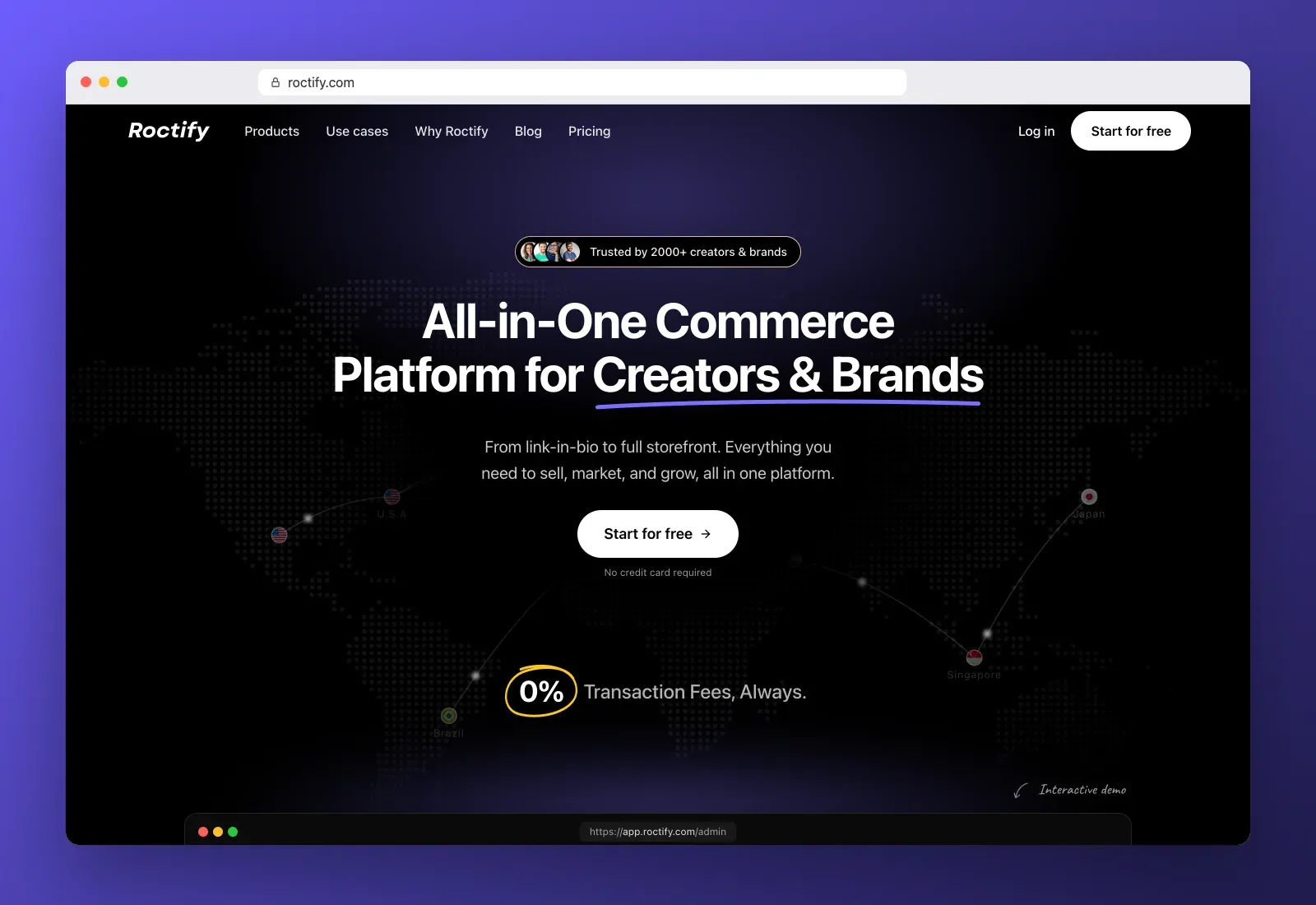
1. Roctify
Roctify is our top pick because it's the only tool on this list that goes from a free link-in-bio page to a full online store without changing platforms. You start with a mobile-first page for your links, socials and featured content. When you're ready to sell, the same account adds physical products with stock and shipping, digital downloads, courses, email marketing and a complete storefront that shares one catalog with your link in bio.
The detail that sets it apart is the fees. Roctify charges 0% transaction fees on every plan, including the free one. Your payment provider (Stripe, PayPal or cash on delivery) charges its usual processing fee, and that's it. On most other creator platforms, the free plan is paid for with a cut of every sale.
What you get
- A link-in-bio page with your photo, socials, buttons, featured products and signup forms
- An online store with checkout, physical and digital products, stock and shipping
- Stripe, PayPal and cash on delivery
- Audience analytics, custom domains, multi-currency and multi-language on paid plans
- Email marketing and social selling from the Creator plan
- A verified badge on your link-in-bio page on paid plans
Pricing
- Free, $0 forever, link-in-bio page or store, up to 10 products, 0% transaction fees, no card required
- Creator, $19 a month or $17 a month billed yearly, unlimited products, 1 custom domain, social selling, email marketing, analytics
- Pro, $39 a month or $34 a month billed yearly, link in bio and full store in sync, unlimited domains, team members, exports and priority support
Pros
- 0% transaction fees on every plan
- Link in bio and full e-commerce in one place, with one catalog
- Sells physical and digital products, not only downloads
- Generous free plan with a real store
- Multi-currency and multi-language for international audiences
Cons
- More features than you need if you only want five plain links
- Fewer third-party integrations than Linktree's long-established marketplace
Best for creators, coaches and small brands who want to share their links today and sell from the same page tomorrow, without paying a commission on every order. If you want to see what that looks like in practice, read how to turn your followers into customers with a link in bio.
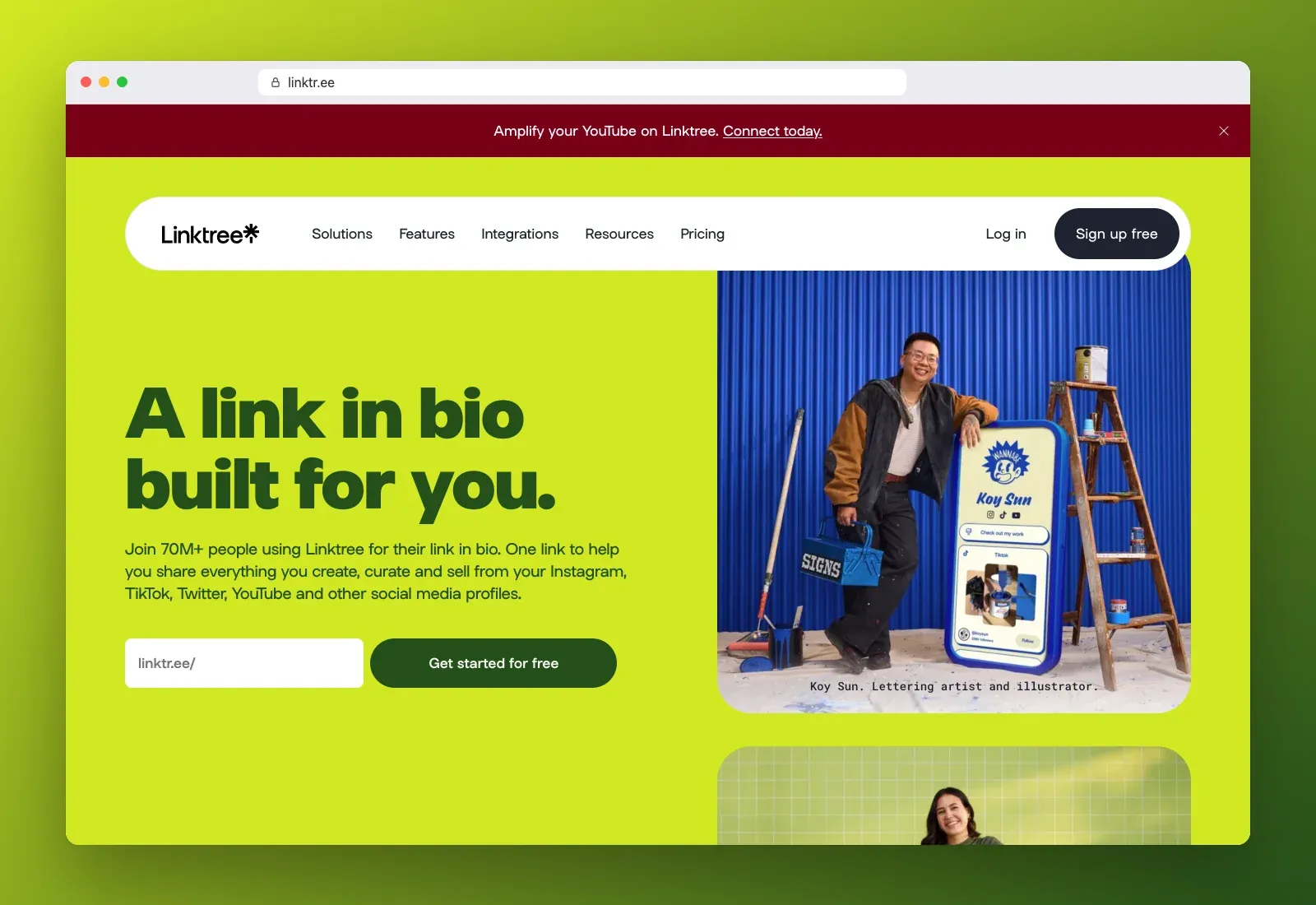
2. Linktree
Linktree is the brand that made "link in bio" a habit. Its homepage now claims more than 70 million users, and "send me your Linktree" has become shorthand for sharing a link page. Setup takes minutes, the editor is simple and the integration list is the widest in the category, from music and video embeds to payment and email tools.
Pricing
Linktree has four tiers, Free, Starter, Pro and Premium. Prices are shown in your local currency. In France in October 2026, the paid tiers cost €4.50, €10.50 and €27.50 a month billed yearly, or €6, €13 and €32 billed monthly. In US dollars, expect a similar range of roughly $5 to $35 a month depending on tier and billing.
Pros
- Fastest setup in the category
- Huge integration library
- Instantly recognizable to your audience
- Free plan with unlimited links
Cons
- Lower tiers take a seller fee on sales, only the top tier removes it
- Advanced design, analytics and branding removal sit behind paid tiers
- Pages can look generic, because millions use the same templates
Best for creators who want a familiar, quick link page with broad integrations and don't plan to sell much through it.
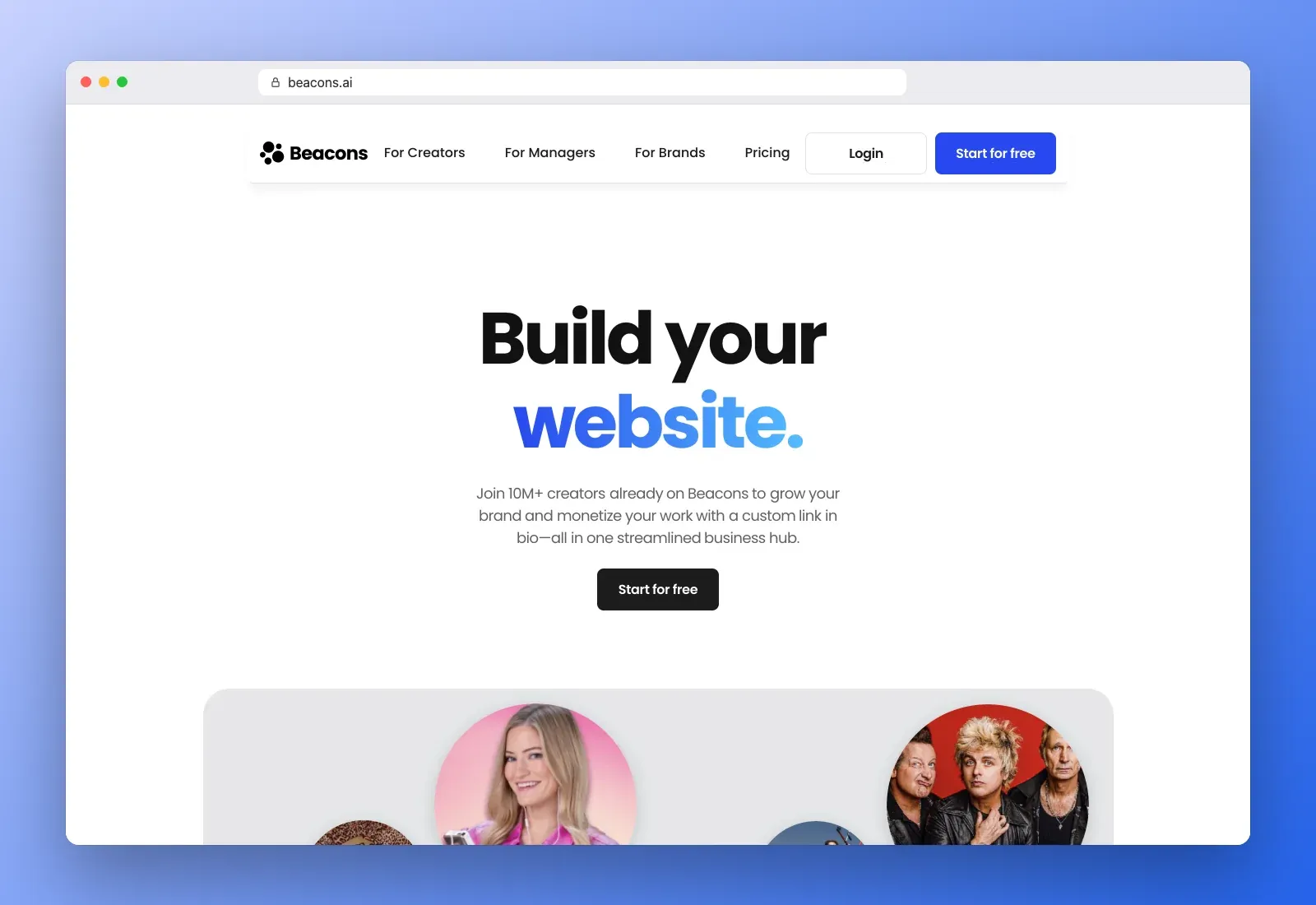
3. Beacons
Beacons positions itself as an all-in-one creator business hub. Beyond the link page, it bundles a store, a media kit for brand deals, email marketing, an AI assistant and automations. It says more than 10 million creators use it.
Pricing
- Free, $0, with a 9% fee on sales
- Creator Pro, about $10 a month, still with the 9% fee on sales
- Store Pro, about $30 a month, removes the sales fee
- Business Pro, about $90 a month, for teams and larger businesses
Pros
- Many creator tools in one dashboard
- Media kit builder for sponsorship pitches
- Guided onboarding for beginners
Cons
- The 9% fee on the free and entry plans adds up quickly
- The interface is busier than simple link tools
- You pay $30 a month before you keep 100% of your sales
Best for creators who sell digital products and pitch brands, and who are comfortable paying for a higher tier once sales grow. Our glossary entry on Beacons goes deeper on its model.
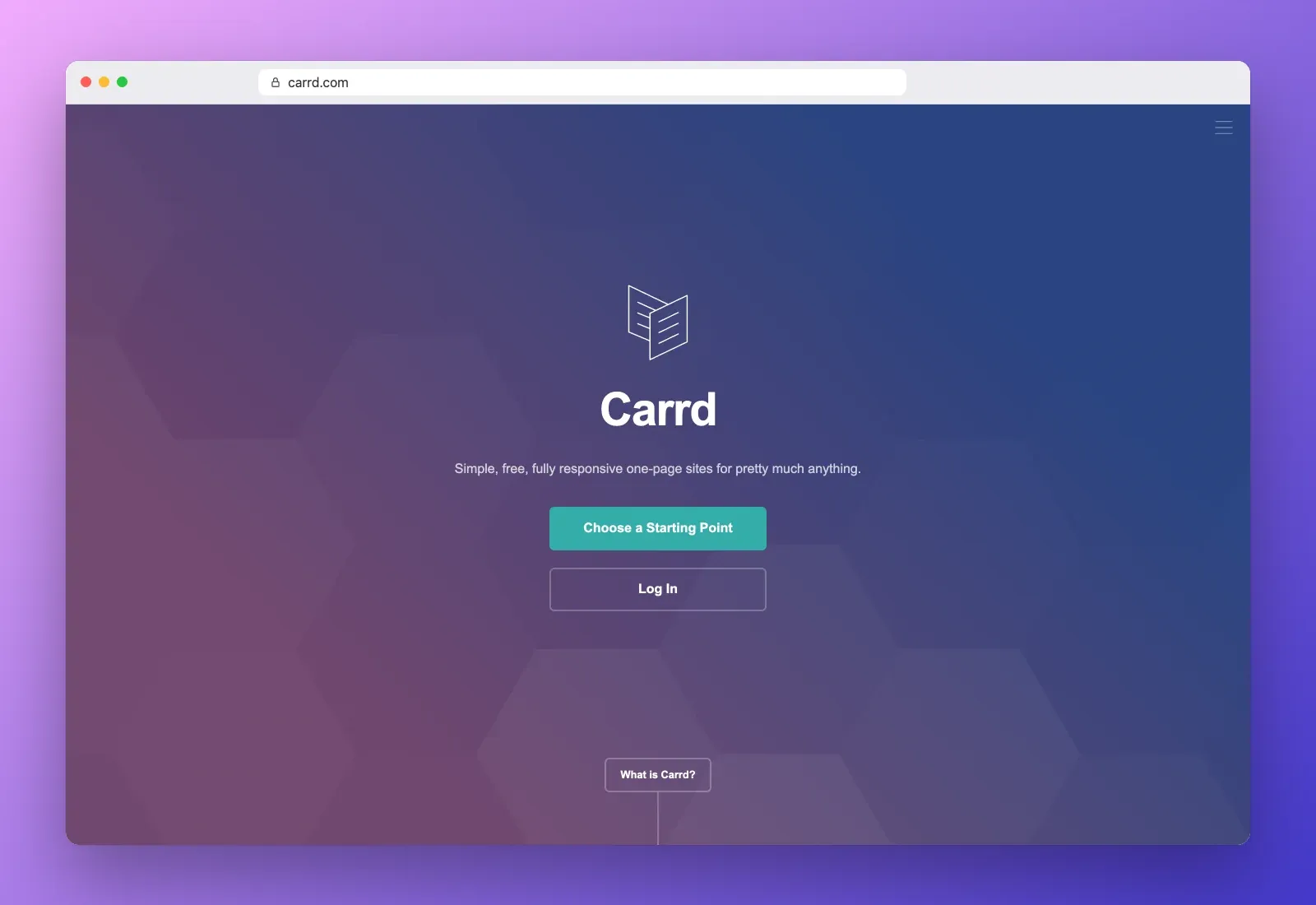
4. Carrd
Carrd is a one-page website builder rather than a link tool, which is exactly why many creators love it. It gives you far more layout freedom, with sections, columns, forms, embeds and custom code, while staying cheap. Its homepage now redirects to carrd.com.
Pricing
- Free, up to 3 sites on a Carrd subdomain, with Carrd branding
- Pro Lite, $9 a year
- Pro Standard, $19 a year, custom domains, forms and more
- Pro Plus, $49 a year, more sites and advanced features
Yes, those prices are per year, not per month. Every Pro plan has a free 7-day trial.
Pros
- Excellent value
- Real layout control, it looks like a website, not a list
- Custom domains on cheap plans
- Custom code for developers
Cons
- Single-page only, no blog or multi-page site
- No native store, you link to Stripe, Gumroad or another checkout
- Takes more time to design than an instant link page
Best for portfolios, landing pages, launches and consultants who want a polished one-page site for almost nothing. If a portfolio is your goal, our guide to a free online portfolio website walks through the build.
5. Campsite.bio
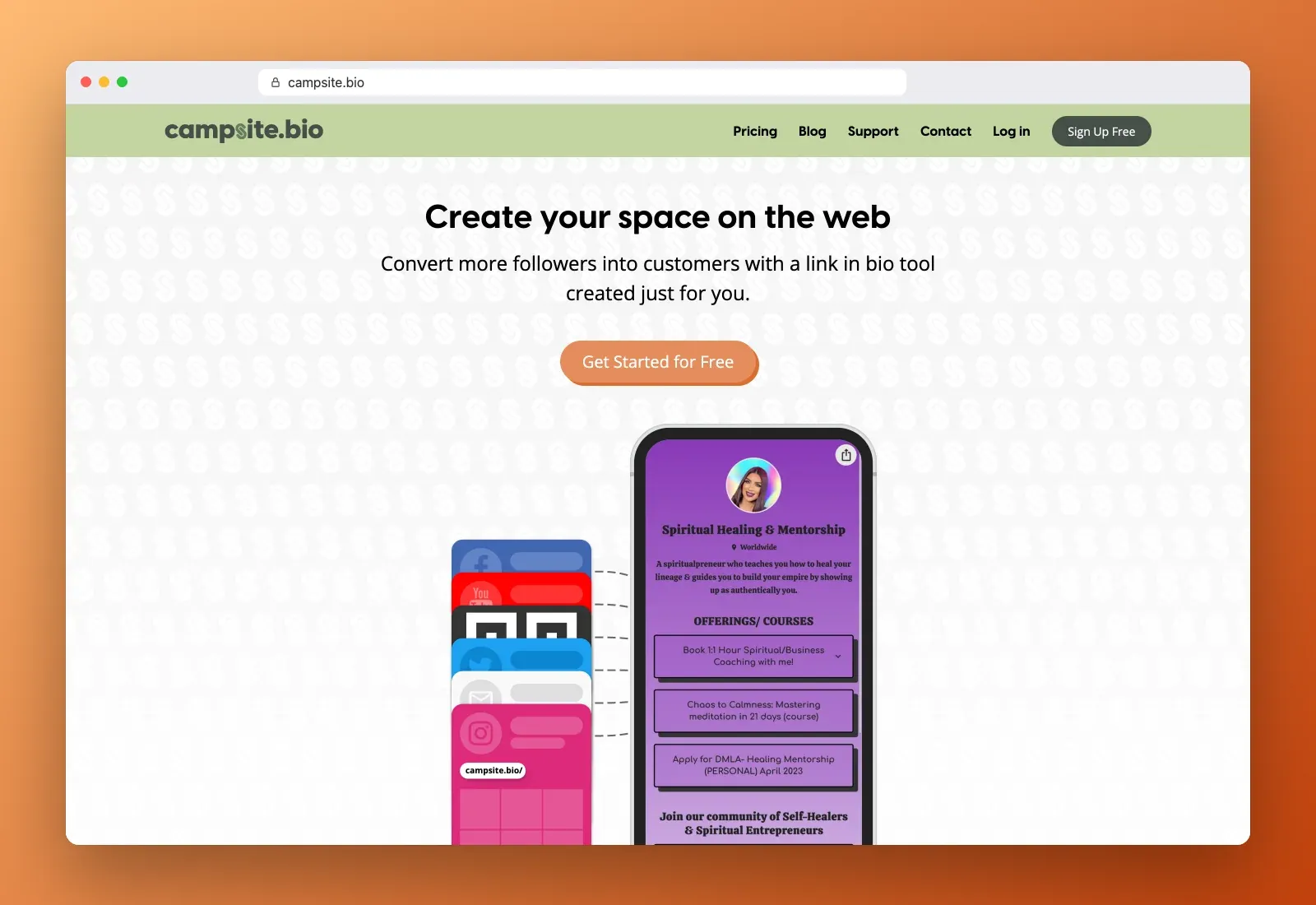
Campsite.bio is a clean link-in-bio tool with a focus on organization, multiple profiles and team collaboration. The free plan is generous, with unlimited links, embeds, an image grid and text blocks.
Pricing
- Free, $0, unlimited links and advanced customization
- Pro, $7 a month or $5.88 a month billed yearly, multiple profiles, 60 days of analytics, forms, tracking pixels and a custom domain
- Pro+, $24 a month or $20.16 a month billed yearly, 6 profiles, 4 collaborators, lifetime analytics and CSV exports
- Organization plans from $14 a month for teams
Extra profiles and collaborators cost $1.50 a month each, and paid plans include a 10-day free trial.
Pros
- Fast, conversion-focused pages
- Strong multi-profile and team management
- Affordable Pro plan with a custom domain
Cons
- Smaller integration ecosystem than Linktree
- No native store for physical products
- Lifetime analytics and exports only on the higher tier
Best for agencies, small teams and brands that manage several profiles and want clean, organized pages.
6. Lnk.Bio
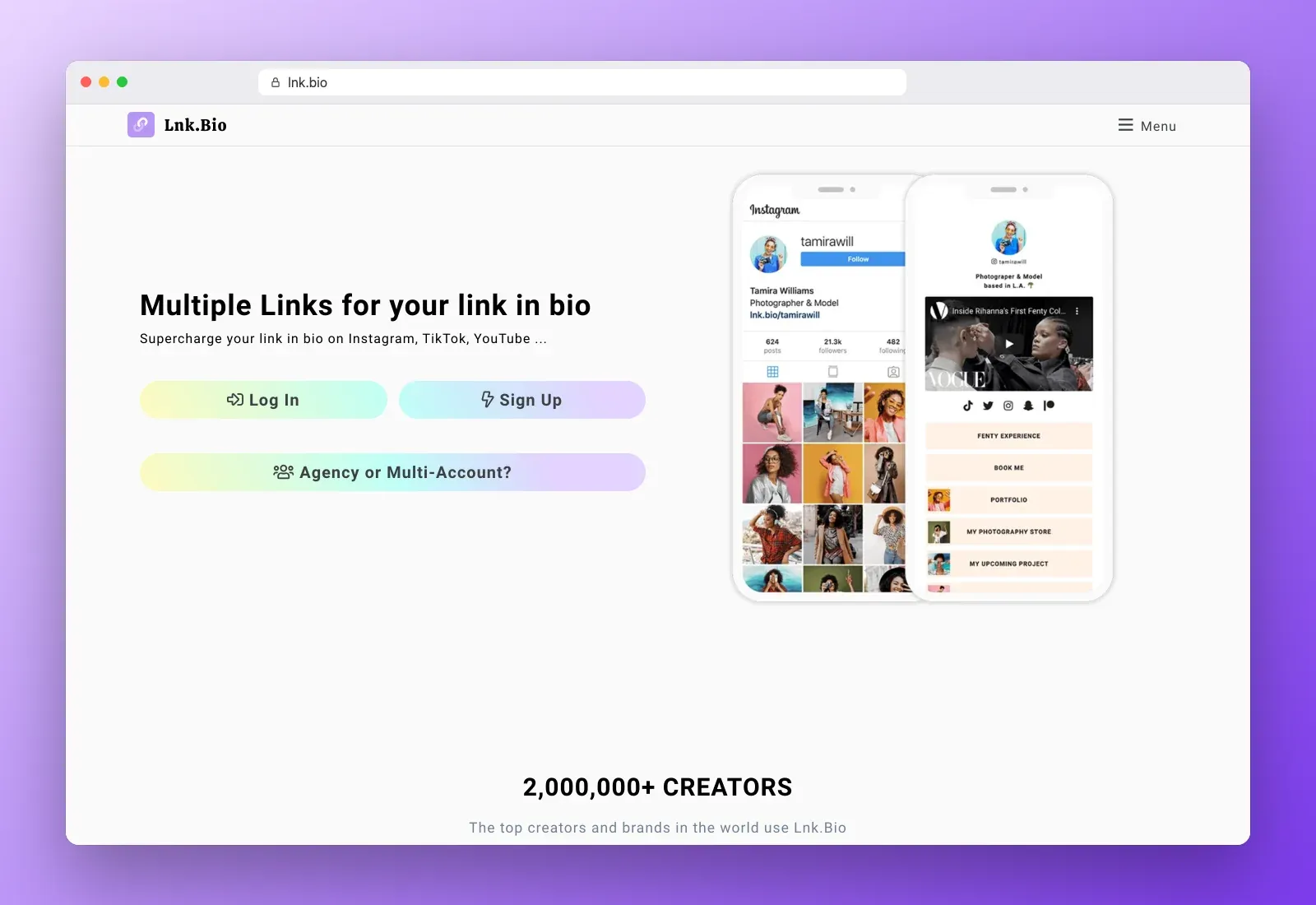
Lnk.Bio is a minimalist link-in-bio tool with a rare pricing model. You can pay once and keep your plan for life instead of paying every month. It claims more than 2 million creators and offers separate access for agencies and multi-account users.
Pricing
- Free, $0, unlimited links
- Mini, about $0.99 a month, or a one-time lifetime price around $10
- Unique, a one-time lifetime price around $25, with a custom URL and more features
- Ultra, around $90 a year for advanced needs
Pros
- Lifetime plans, no recurring subscription
- Very fast setup and low maintenance
- Cheap, even on paid tiers
Cons
- No native email marketing
- Limited selling tools
- Fewer design and growth features than larger platforms
Best for budget-conscious creators, hobby projects and anyone who hates subscriptions.
7. Solo.to
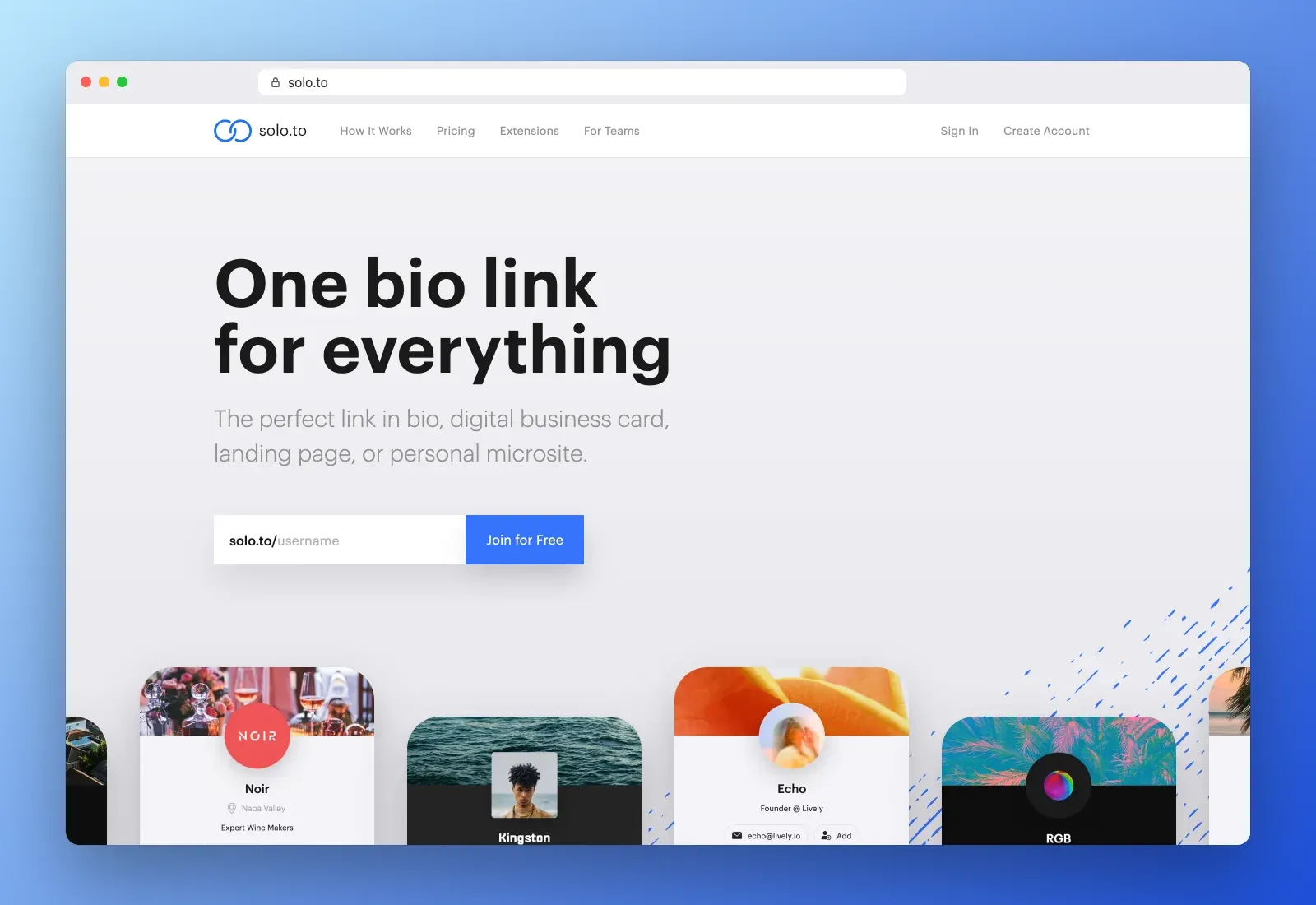
Solo.to is a design-focused link page with a polished, modern look and a pricing ladder that starts at almost nothing. It markets itself as "one bio link for everything", including a digital business card, a landing page or a personal microsite.
Pricing
- Beginner, free, up to 25 links, themes and 1 month of analytics
- Personal, $1 a month billed yearly, 50 links, text blocks, a tip jar and 6 months of analytics
- Entrepreneur, $5 a month billed yearly or $6 monthly, 2 pages, embeds, scheduled links and 12 months of analytics
- Professional, $10 a month billed yearly or $15 monthly, 5 pages, custom domains, pixels, email capture, collaborators and white label
Pros
- Beautiful templates and fast pages
- Scheduled links for launches and drops
- Good analytics for the price
Cons
- No built-in store
- Custom domain only on the top plan
- Less layout freedom than a website builder
Best for visual creators who care about presentation and want a clean page at a low price.
8. About.me
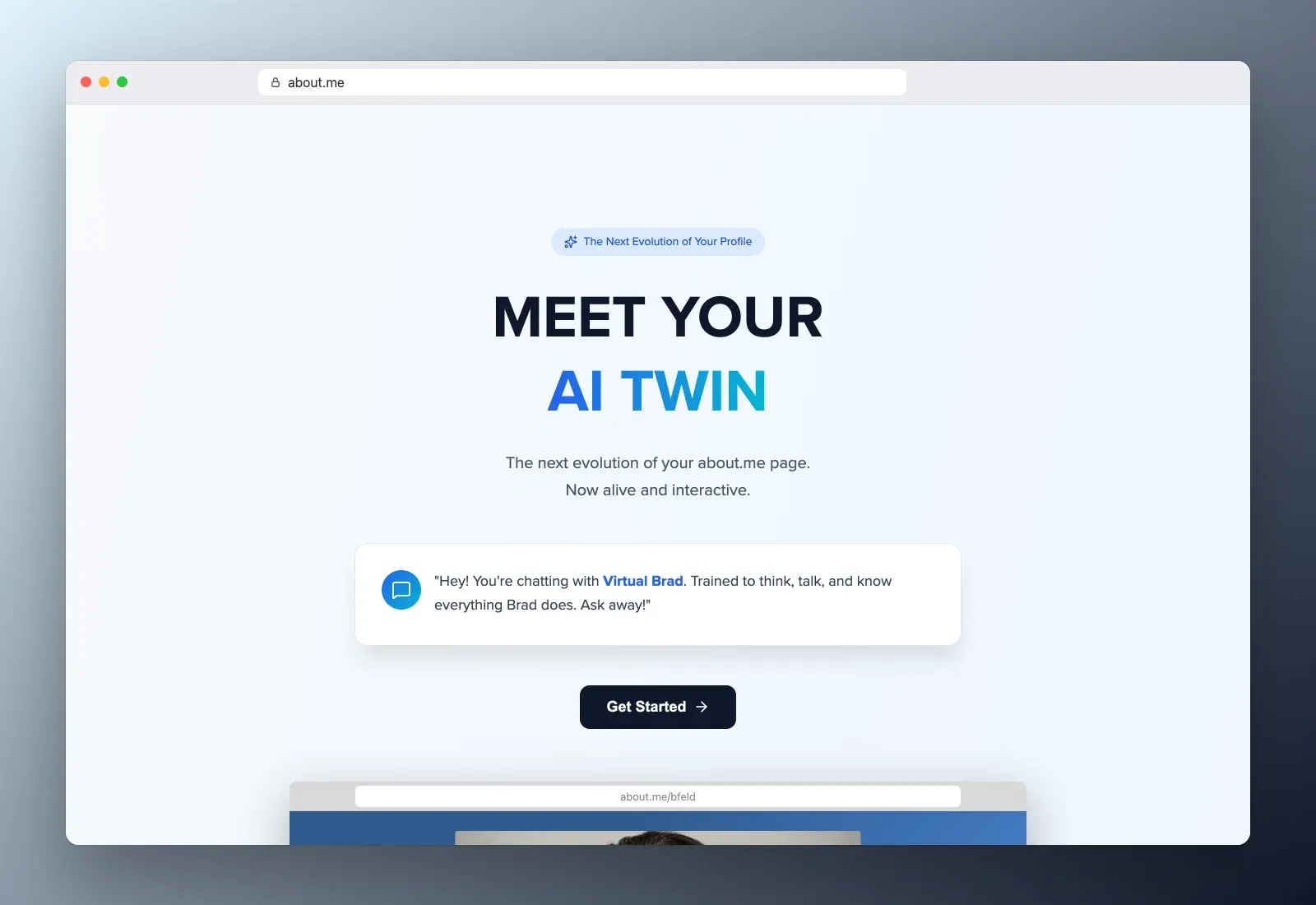
About.me was one of the first personal homepage services, built around identity rather than selling. In 2026 it has reinvented itself around an "AI Twin", an interactive version of your profile that visitors can chat with to learn about your work. The classic profile page, email signature and custom domain are still there.
Pricing
- Free, $0, a free link and an email signature with that link
- Paid plans from about $5 a month billed yearly, with more features and your own domain
Pros
- Professional look that works for job seekers, consultants and speakers
- Email signature generator
- The AI Twin is a genuinely different way to present yourself
Cons
- No creator monetization, no store
- Not built for social media traffic and many links
- The AI focus may feel unnecessary if you only need a profile
Best for professionals who want a credible one-link identity, for a résumé, LinkedIn or an email signature. For a similar use case, see our guide to the digital business card.
9. Flowcode (Flowpage, now Flowhubs)
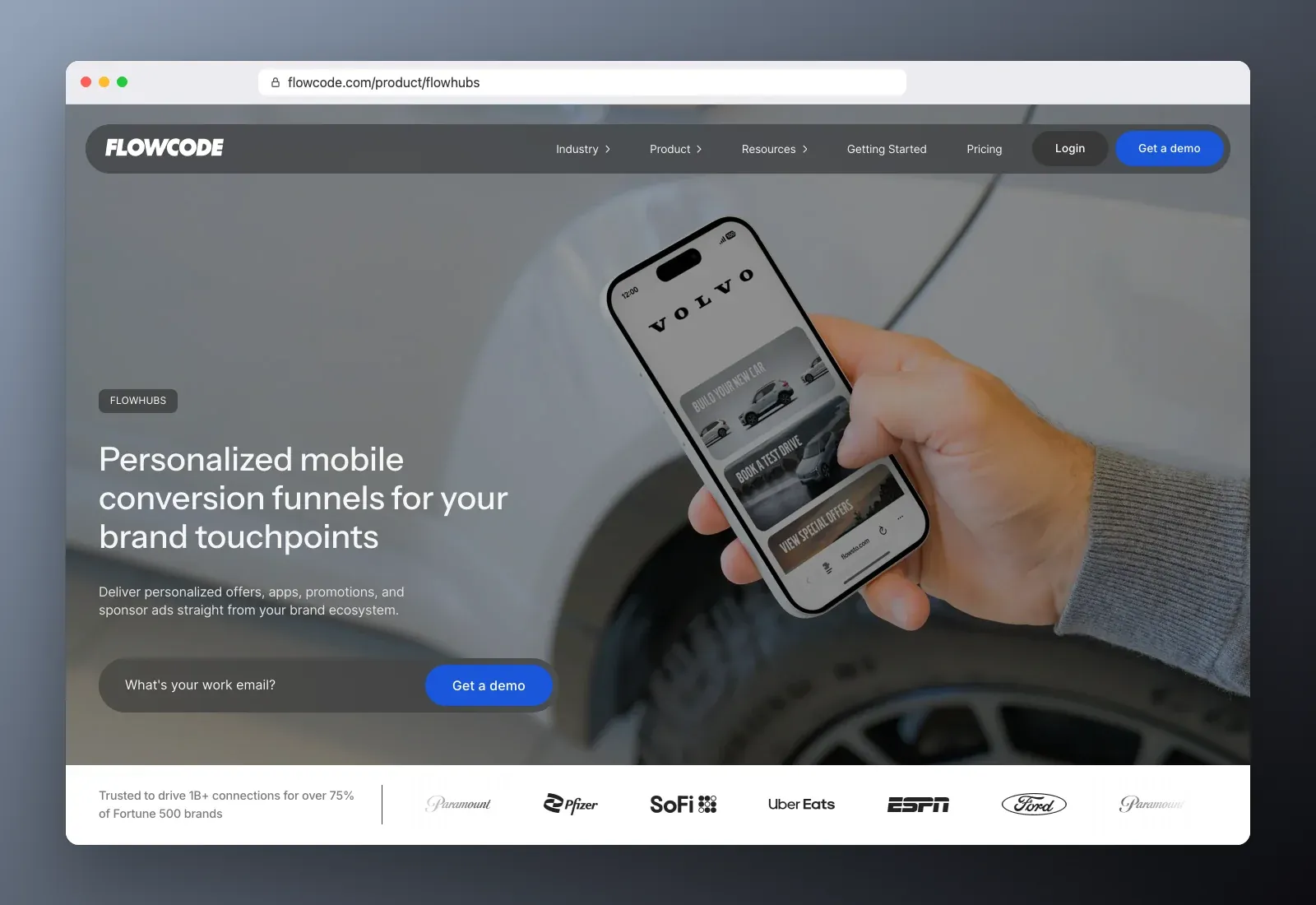
Flowcode built its reputation on dynamic QR codes, and its link page product, long known as Flowpage, now lives inside its "Flowhubs" offer. The pitch is "personalized mobile conversion funnels for your brand touchpoints", in other words landing pages that connect packaging, events, retail and print to measurable online actions.
Pricing
- Free, up to 2 codes and landing pages
- Pro Plus, about $25 a month
- Growth and higher plans from about $250 a month for brands and teams
Pros
- Dynamic QR codes you can update without reprinting
- Detailed attribution and geo analytics
- Built for teams and enterprise workflows
Cons
- Expensive for solo creators
- Heavier than you need for a social bio
- Sales-led, many features require a demo
Best for brands, venues and event organizers who connect physical places to online pages and need to measure every scan.
10. Milkshake
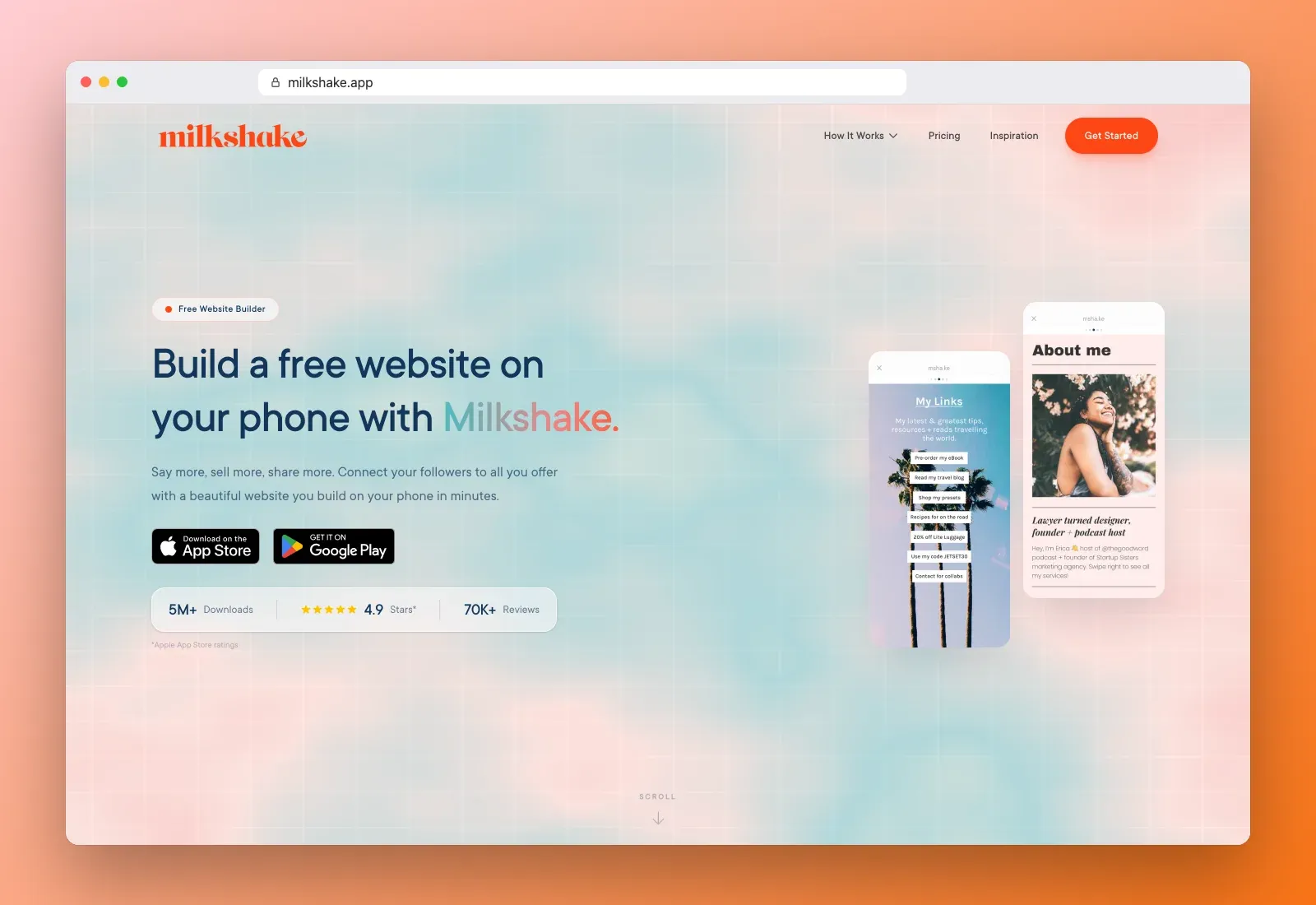
Milkshake is a free website builder that runs entirely in a mobile app. Instead of a vertical list of buttons, you build a site of swipeable "cards", each with its own layout, which feels at home on Instagram. The homepage reports more than 5 million downloads and a 4.9 rating.
Pricing
- Free app with hosting included
- Lite and Pro in-app plans, roughly $3 to $7 a month, and prices vary by country and app store
Pros
- Build and update everything from your phone
- Card layouts look great on social media
- Fast and free to start
Cons
- Weak desktop editing
- Less customization than web builders
- Limited selling features
Best for Instagram and TikTok creators who update often from their phone and care more about visuals than features.
Link sharing websites compared
Here is the short version of everything above.
| Tool | Best at | Free plan | Paid from | Fee on sales | Best for |
|---|---|---|---|---|---|
| Roctify | Link in bio plus full store | Yes, with store | $17/mo yearly | 0% on every plan | Creators who sell |
| Linktree | Integrations and recognition | Yes | About $5/mo | Yes, except top tier | Quick familiar page |
| Beacons | All-in-one creator tools | Yes | About $10/mo | 9% below Store Pro | Digital sellers, brand deals |
| Carrd | One-page sites | Yes, 3 sites | $9/year | No native store | Portfolios, landing pages |
| Campsite.bio | Teams and multiple profiles | Yes | $5.88/mo yearly | No native store | Agencies, small teams |
| Lnk.Bio | Lifetime pricing | Yes | About $10 once | Limited selling | Budget creators |
| Solo.to | Design and scheduled links | Yes | $1/mo yearly | No native store | Visual creators |
| About.me | Professional identity | Yes | About $5/mo | No selling | Job seekers, consultants |
| Flowcode | QR codes and attribution | Yes, limited | About $25/mo | Not a store | Brands and events |
| Milkshake | Mobile-first card sites | Yes | About $3/mo in app | Limited selling | Phone-first creators |
How to choose the right website sharing tool
Don't choose by the longest feature list. Choose by what the page needs to do in the next 12 months. Four questions settle it for most people.
1. What should a visitor do on the page?
If you only want to route people to your content, a pure link tool like Linktree, Lnk.Bio or Solo.to is enough. If you want them to buy, book or subscribe, pick a tool with native checkout and low fees, such as Roctify or Beacons. If you want them to read about you, a one-page site like Carrd or a profile like About.me fits better.
2. Who is your audience?
Social media followers expect a fast, thumb-friendly page with clear buttons. Recruiters and clients expect a professional profile. Shoppers in a store or at an event arrive through a QR code and need a page that loads instantly on mobile data. Match the tool to where your traffic comes from.
3. How much will fees cost you?
Do the math on a real month. If you sell $2,000 of products a month on a platform that takes 9%, you lose $180 every month, more than a year of most paid plans. A platform with 0% transaction fees and a paid subscription is usually cheaper as soon as you sell regularly.
4. Will you outgrow it?
Moving later is possible but costs time and clicks. If you think you'll sell physical products, run email campaigns or open a full store, start on a platform that can grow with you, so your link never has to change.
How to set up your page so people actually click
The tool matters less than what you put on it. These habits work on every platform.
- Lead with one priority. Put your most important action at the top, your newest product, your booking link or your current campaign.
- Keep it short. Five to seven links beat twenty. Every extra button divides attention.
- Name links by outcome. "Get the free meal plan" beats "Click here". Our guide on how to name links in your link in bio has 60+ label ideas.
- Use your brand. Your photo, colors and tone should match your profile, so visitors trust they're in the right place.
- Capture emails. Most visitors won't buy today. A simple signup form lets you reach them again.
- Check your analytics monthly. Remove links nobody clicks and move the winners up.
- Use a custom domain once you're serious, it looks more trustworthy and keeps your link if you ever switch tools. Learn more about a custom domain.
Then share it everywhere. Here's how to change the link in your Instagram bio and add a link to your TikTok bio.
How to switch link sharing websites without losing traffic
If you're moving from one tool to another, follow this order so no visitor hits a dead page.
- Pick the tool that fits your real use case, not the trendiest one.
- Copy your core assets first, bio, photo, top links, contact details and products.
- Rebuild the design lightly. Keep similar colors and order so returning followers recognize your page.
- Test every link on mobile, including checkout and forms.
- Update every place your old link lives, Instagram, TikTok, YouTube, X, LinkedIn, email signature, business cards and QR codes.
- Keep the old page live for a few weeks with a single button pointing to the new one, if your old plan allows it.
Use the move to clean up. Outdated links and forgotten promotions hurt clicks more than any design choice.
Frequently asked questions
What is website sharing?
Website sharing means giving people one address that leads to your content, products and contact details. Most creators do it with a link sharing website, a mobile page that collects all their links behind a single URL they can put in a bio, a QR code or an email signature.
What is the best free link sharing website?
For pure links, Linktree, Lnk.Bio and Campsite.bio all have solid free plans. If you want to sell from the free plan, Roctify is the strongest option because its free plan includes a store and charges 0% transaction fees, while Beacons' free plan takes 9% of each sale.
Is Linktree still worth it in 2027?
Yes, if you want a familiar page with broad integrations and you don't sell much through it. If selling is your main goal, compare the seller fees on its lower tiers with a platform that charges none.
Can I use my own domain on a link sharing website?
Most tools allow it on paid plans. Roctify includes one custom domain on Creator and unlimited on Pro, Carrd from Pro Standard at $19 a year, Campsite.bio on Pro and Solo.to on Professional.
What's the difference between a link in bio and a website?
A link in bio is a single mobile page designed to route social traffic. A website has multiple pages, a blog, SEO depth and more control. Many creators start with a link in bio and add a store or site as they grow. Our comparison of link in bio vs website covers the trade-offs.
The bottom line
The best link sharing website is the one that matches what your page needs to do now, and what it will need to do next year. For pure links, Linktree, Lnk.Bio and Solo.to are quick and cheap. For a one-page site, Carrd is unbeatable on price. For professional identity, About.me still works. For QR-driven brand campaigns, Flowcode is built for it.
If you want one link that shares everything today and sells everything tomorrow, with no commission on your sales, start with Roctify. Create your free Roctify page and share one link that grows with you.