Your follower list on X says a lot about your account. It shapes who sees your posts first, who can reply to you, and how your profile looks to someone deciding whether to follow you. Over time, that list collects accounts you never wanted there: spam bots, abandoned profiles, people who only show up to argue, and accounts that have nothing to do with what you post.
The good news is that you can remove followers on X without blocking them and without them getting a notification. The less obvious part is knowing which method to use, what the other person can still see afterwards, and how to clean up a large list without getting your own account flagged.
This guide walks through every option step by step. You will learn how to remove a follower on the web and on your phone, what a soft block is and when it helps, how to recognize the accounts worth removing, how to clean up in bulk safely, and how to keep unwanted followers from coming back.
Why remove followers on X?
Most people start thinking about this after a specific moment. A wave of bot accounts follows them overnight. Someone they had a bad exchange with keeps reading every post. Or they check their audience and realize a large share of it has not been active in years.
There are a few good reasons to clean up your follower list.
Privacy and comfort. If your account is personal, you may not want an ex, a former colleague, or a stranger who makes you uneasy following along. Removing them quietly is often easier than a public confrontation.
Spam and bots. Bot accounts follow thousands of profiles to look legitimate, send spam replies, or push links. They add nothing to your audience and can make your profile look less trustworthy to real visitors.
A more accurate picture of your audience. If you use X to grow a business, a creative project, or a personal brand, your follower count is only useful when it reflects real people. Inactive and fake accounts make it harder to understand who actually reads your posts, which topics resonate, and whether your engagement is improving.
Better conversations. When your followers are people who care about your topic, replies and reposts come from the right crowd. That tends to attract more of the same kind of people over time.
Removing followers will lower your follower count, at least at first. That is fine. A smaller list of real, interested people is more useful than a larger number padded with accounts that will never read, reply, or click.
Remove, block, mute, or protect? Pick the right tool
X gives you four main ways to control who follows you and what you see. They are easy to confuse, so it helps to know what each one does before you start.
- Remove a follower. The account stops following you. It is not notified, it can still see your public posts, and it can follow you again later. This is the lightest option.
- Block an account. The account is removed from your followers and cannot follow you, reply to you, or send you messages. It can tell that it has been blocked if it visits your profile. Blocked accounts may still be able to view your public posts, depending on how X handles blocking at the time, but they cannot interact with them.
- Mute an account. Its posts disappear from your timeline, but nothing changes in your follow relationship. The account is not notified and keeps following you. Muting only changes what you see.
- Protect your posts. Your account becomes private. Existing followers stay, but new followers must send a request that you approve, and only approved followers can see your posts.
For most cleanup jobs, removing a follower is the right starting point. Blocking is for people you want to keep away permanently. Muting is for accounts you want to keep but hear from less. Protecting your posts is a broader decision about who your account is for.
1. Remove a follower from your followers list
The most direct way to remove someone is from your own followers list. On a computer, this is the method that works most reliably.
- Open X in your browser and sign in.
- Click Profile in the left menu.
- Click the Followers count under your bio. You will see the list of accounts that follow you.
- Find the account you want to remove. You can scroll, or use your browser's search on the page (Ctrl+F or Cmd+F) to look for a name that is already loaded.
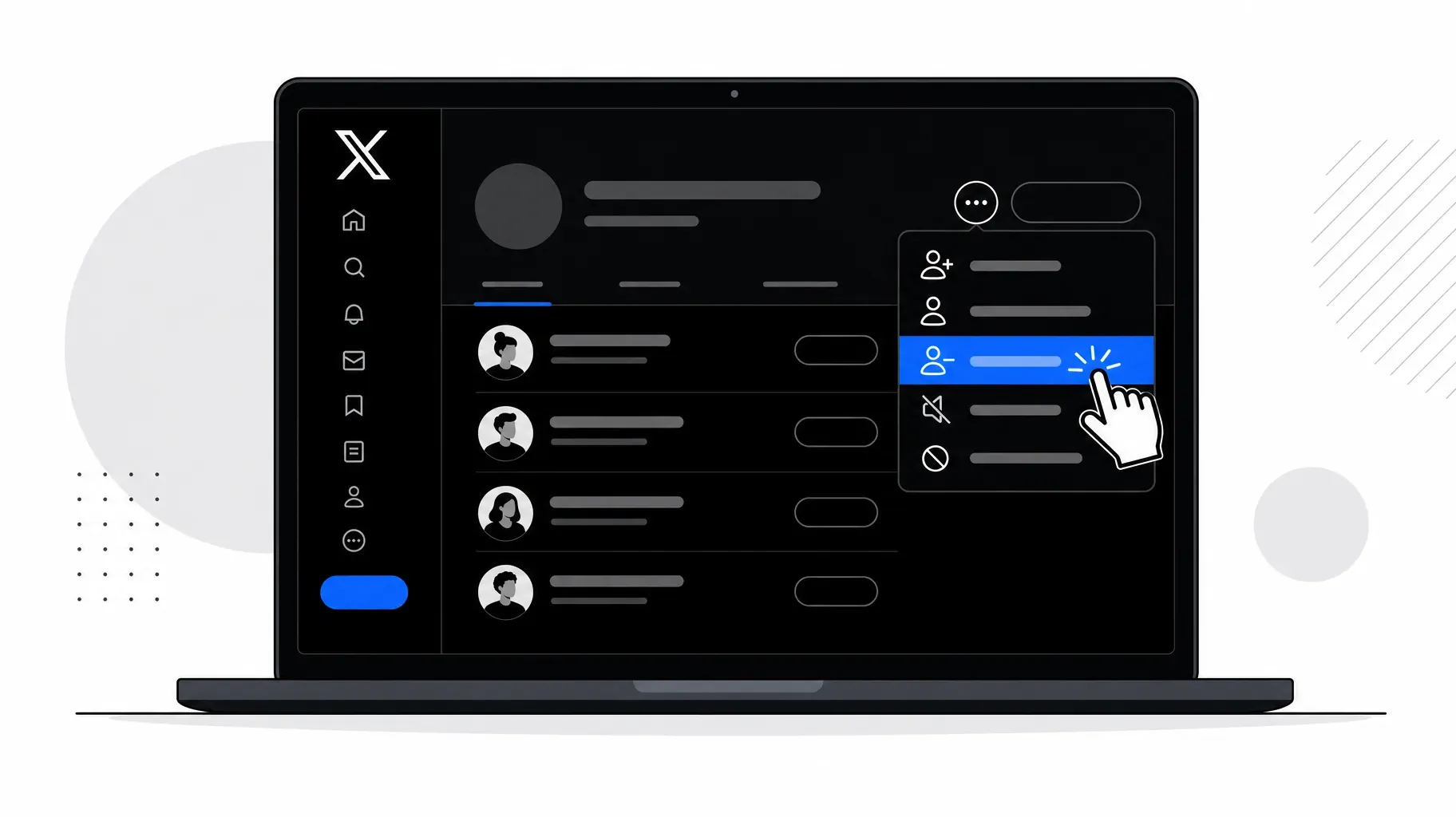
- Click the three-dot icon next to the account's Follow or Following button.
- Select Remove this follower.
- Confirm by clicking Remove.
The account disappears from your followers list right away. It will not receive a notification. If you follow that account, you keep following it; removing a follower only affects the direction from them to you.
If you have thousands of followers, finding one specific person by scrolling can take a while, because the list loads in batches. In that case the next method is usually faster.
2. Remove a follower from their profile
When you already know who you want to remove, you can go straight to their profile.
- Search for the account by name or handle, or tap their name on a reply or mention.
- Open their profile page.
- Click or tap the three-dot icon near the top of the profile, next to the Follow button.
- Select Remove this follower.
- Confirm.
This option only appears when the account currently follows you. If you do not see it, check that they are still in your followers list; they may already have unfollowed you.
This method is also handy when someone shows up in your replies and you realize you do not want them in your audience. You can remove them in a few taps without leaving the conversation for long.
3. Remove followers on your phone
On mobile, the experience depends on how you use X.
In a mobile browser. Open x.com in Safari, Chrome, or another browser on your phone and sign in. The steps are the same as on a computer: go to your profile, open your followers, tap the three-dot icon next to an account, and choose Remove this follower. This works consistently because it uses the same web version of X.
In the X app for iPhone or Android. The remove option has come and gone in the apps over the years, and it may appear in slightly different places depending on your version. Start by opening your followers list or the account's profile and tapping the three-dot icon. If you see Remove this follower, use it. If you do not, update the app and try again.
If the option is missing in the app. Use the mobile browser method above, or use a soft block, which is explained in the next section. Both give you the same result.
A useful habit is to keep x.com saved as a bookmark on your phone's home screen. It gives you quick access to the web version whenever the app hides a setting you need.

4. Use a soft block when the remove option is missing
Before X added a dedicated remove button, people used a workaround called a soft block. It still works, and it is useful when the remove option is not available or when you want to be sure the account is dropped from your followers.
A soft block has two steps:
- Block the account. Open their profile, tap the three-dot icon, choose Block, and confirm. Blocking automatically removes them from your followers.
- Unblock the account. Go back to the same profile and tap Blocked or Unblock, then confirm.
The result is the same as removing a follower. The account no longer follows you, it is not blocked anymore, and it can follow you again if it decides to.
There are a few things to keep in mind:
- Do both steps promptly. While the block is active, the account can see that it is blocked if it visits your profile. Unblocking right away keeps the window short.
- A soft block also removes you from their followers, if you were following them. Blocking breaks the connection in both directions, and unblocking does not restore it. If you want to keep following that account, follow it again after unblocking.
- Use it for individual accounts. Blocking and unblocking many accounts quickly can look unusual. For larger cleanups, pace yourself as described in section 6.

5. Spot the followers worth removing
Before you remove anyone, decide what you are looking for. A clear set of criteria keeps you from second-guessing every account and makes the process much faster.
Common signs of a spam or bot account:
- A default profile picture or a generic stock image.
- A handle made of a name followed by a long string of numbers, which is often what X suggests automatically for new accounts.
- No bio, or a bio full of links, emojis, and promises about crypto, giveaways, or "easy money."
- Very few posts, or only reposts of promotional content.
- A lopsided ratio, such as following several thousand accounts while being followed by a few dozen.
- A very recent creation date combined with a burst of follows.
Signs of an inactive account:
- No posts or replies in a year or more.
- A profile that looks abandoned, with an old bio or broken links.
Signs that an account is simply a poor fit:
- It posts about unrelated topics and never interacts with yours.
- It only appears in your replies to argue or to promote itself.
Be careful with the "poor fit" category. Many real followers read quietly and never reply, and they can still be valuable. Someone who never likes a post may still visit your profile, click your link, or buy from you. Focus on accounts that are clearly fake, clearly abandoned, or clearly unwanted, and leave quiet but real people alone.
A simple way to start is to open your followers list and look at the most recent ones first. New bot waves usually show up at the top, where they are easy to spot and remove before they blend into the rest of your audience.
6. Clean up in bulk without risking your account
If you have a few hundred followers, removing unwanted accounts by hand is manageable. With tens of thousands, it becomes a serious time investment, and that is where bulk cleanup comes in.
X has no built-in bulk remove. You can only remove followers one at a time through the official interface. Any tool that offers bulk removal works through X's developer platform, usually by applying a soft block to each account on your behalf.
If you consider a third-party tool, check these points before connecting your account:
- It uses official sign-in. You should authorize the tool through X's own login screen. Never type your X password into another website.
- It lets you filter and preview. A good tool lets you define criteria, such as no posts in the last year, default profile picture, or a specific follower ratio, and shows you the full list of accounts before anything is removed.
- It works at a reasonable pace. Tools that promise to remove thousands of accounts instantly are a red flag. Spreading actions over time is safer for your account.
- It is clear about data and pricing. Read what the tool stores, whether it runs in the cloud or on your own computer, and what it costs. Access to X's developer platform has changed several times, so features and prices can change too.
- You can revoke access afterwards. When you finish, go to Settings and privacy, then Security and account access, then Apps and sessions, and remove access for any app you no longer use.
If you prefer to stay with manual removal, you can still make it efficient. Set aside fifteen minutes a day, work through the newest followers first, and remove only the accounts that clearly meet your criteria. Spreading the work across several days keeps your activity looking natural and prevents fatigue from leading to mistakes.
Whatever method you choose, avoid sudden spikes of activity. Removing, blocking, or unfollowing a very large number of accounts in a short burst can trigger X's automated protections, which may temporarily limit what your account can do.
7. Keep unwanted followers out
Cleaning up once helps. Preventing the same problem from coming back helps more. X includes several settings that reduce the number of unwanted followers you have to deal with later.
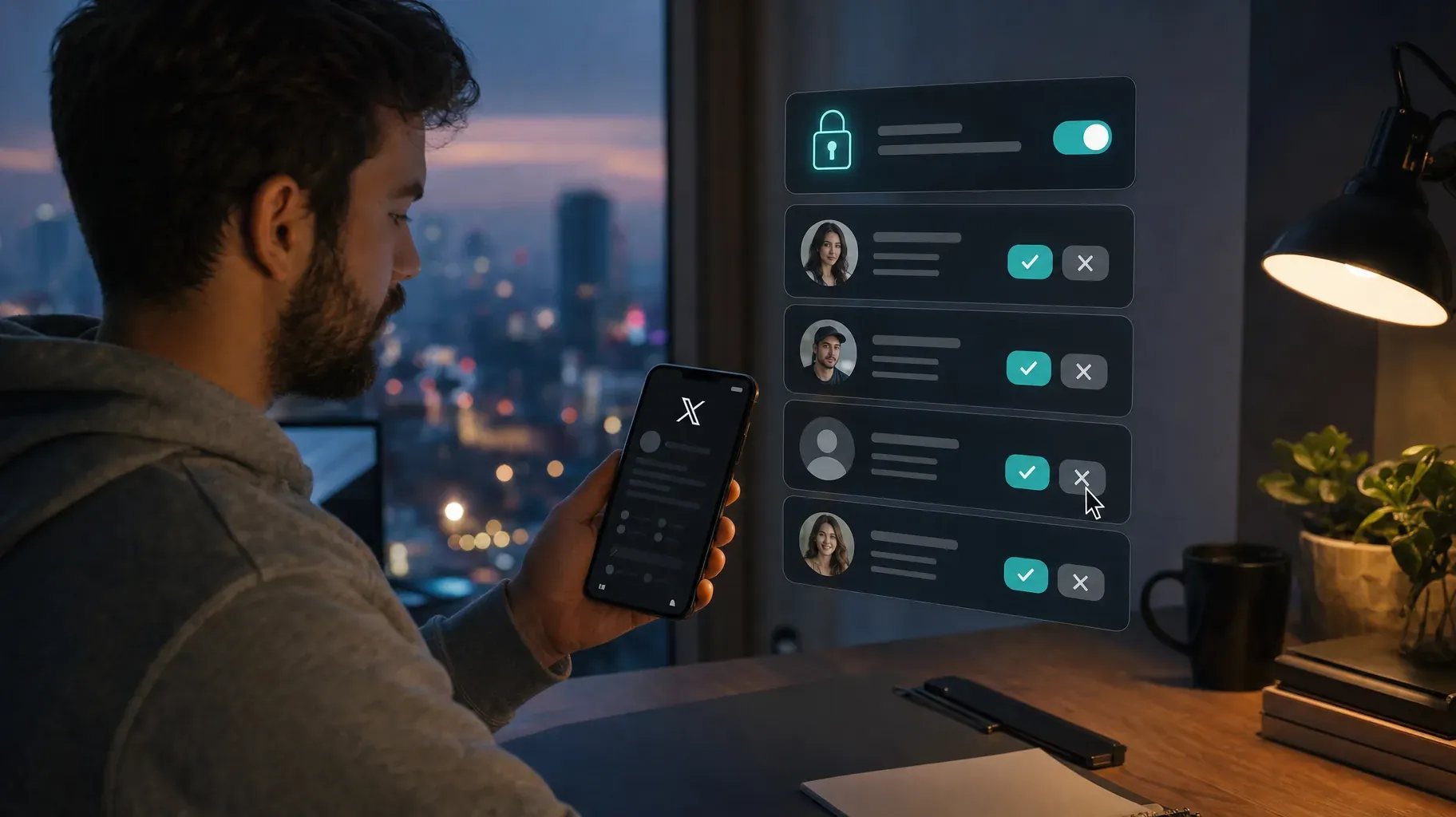
Protect your posts. Go to Settings and privacy, then Privacy and safety, then Audience and tagging, and turn on Protect your posts. New followers will need your approval, so you can decline bots and strangers before they ever see your content. Keep in mind that protected posts cannot be reposted by others and will not show up for people who do not follow you, which limits your reach. This setting suits personal accounts better than accounts built for growth.
Review follow requests regularly. If your posts are protected, check your pending requests from time to time. Apply the same criteria from section 5, approve real people, and decline the rest.
Limit who can reply. When you publish a post, you can choose who is allowed to reply, for example only accounts you follow or only accounts you mention. This keeps drive-by replies and spam out of your conversations.
Use notification filters. In your notification settings, you can filter out notifications from accounts that have a default profile photo, that have not confirmed an email or phone number, or that you do not follow. You will see less noise even when spam accounts interact with you.
Block when it is truly needed. If someone keeps coming back after being removed, or behaves in a way that feels threatening, block them. For serious harassment, use X's reporting tools as well.
What happens after you remove a follower
Knowing what the other person experiences can make the decision easier.
- No notification is sent. X does not tell someone that you removed them.
- They can find out if they look. If they check their following list or visit your profile, they may notice that they no longer follow you.
- They can follow you again. Removal is not permanent. If your posts are public, they can simply follow again. If your posts are protected, they can send a new request, which you can decline.
- They can still see your public posts. Removing a follower does not hide your public content. If you want someone to lose access to your posts, you need to protect your account or block them.
- Existing messages stay. Your direct message history with that person remains, though your message settings determine whether they can keep writing to you.
- Your follower count updates. The number drops right away, and your analytics will reflect the change over the following days.
Mistakes to avoid when removing followers
A cleanup should make your account healthier. These common mistakes can undo that.
Removing too many accounts at once. Big bursts of activity can look automated. Work in smaller batches spread over several days.
Judging real people too harshly. Quiet followers who never reply can still be loyal readers and customers. Target fake, abandoned, and unwanted accounts, and leave lurkers alone.
Giving your password to unknown tools. Only use apps that connect through X's official sign-in, and remove their access when you are done.
Forgetting that a soft block cuts both ways. If you soft block someone you follow, you will stop following them too. Follow them again afterwards if you want to stay connected.
Treating removal as protection. Removing a follower does not stop them from seeing your public posts or following you again. For real protection, block the account or protect your posts.
Cleaning once and never again. Bots keep arriving. A short monthly review is easier than a huge cleanup every few years.
A 30-minute cleanup routine
If you want a simple plan, use this routine once a month:
- Minutes 1 to 5. Open your followers list and look at the newest accounts first. Remove obvious bots and spam.
- Minutes 6 to 15. Scroll further down and look for default avatars, number-heavy handles, and accounts with no recent activity. Remove the clear cases.
- Minutes 16 to 20. Check your replies and mentions from the past month. Remove or block anyone who only showed up to spam or harass.
- Minutes 21 to 25. Review your privacy settings, reply limits, and notification filters, and adjust them if spam is still getting through.
- Minutes 26 to 30. Look at your analytics and note your engagement rate. Compare it with last month to see whether your audience is getting healthier.
After a few months, the monthly check becomes quick, because most of the junk never has time to pile up.
Frequently asked questions
Does X notify someone when I remove them as a follower?
No. X does not send a notification. The person may notice only if they check their following list or visit your profile and see that they no longer follow you.
Can a removed follower follow me again?
Yes. Removal is not permanent. If you want to stop someone from following you again, block them instead. If your account is protected, they would have to send a new request, which you can decline.
Is there a limit to how many followers I can remove?
X does not publish a specific limit for removing followers, but it does watch for unusual bursts of activity. Removing a steady, moderate number each day is much safer than removing thousands in one session.
Will removing followers hurt my reach?
Your follower count will drop, but the followers you remove were probably not engaging with your posts anyway. A cleaner audience makes your engagement rate a more honest measure of how your content performs, and it keeps your profile looking credible to new visitors.
What is the difference between removing and blocking?
Removing is quiet and temporary: the account stops following you but can come back and still see your public posts. Blocking is stronger: the account cannot follow you, reply to you, or message you until you unblock it.
Can I remove followers on the X app?
It depends on your app version. If you do not see Remove this follower in the app, open x.com in your phone's browser, where the option is available, or use a soft block.
Turn a cleaner audience into real results
Removing followers on X is about making your account work for you. When your audience is made up of real people who care about what you share, every post has a better chance of reaching the right readers, and every reply comes from someone worth talking to.
Once your follower list is in good shape, make sure those followers have somewhere useful to go. Your X bio has room for one link, so point it to a page that shows your best offers, your latest work, and an easy way to stay in touch. A focused link-in-bio page turns the attention you earn on X into subscribers, bookings, and sales. Create your Roctify page and add it to your X profile today.