Someone asks for your card at the end of a great conversation. You reach for your pocket and find either nothing, a crumpled card with an old phone number, or a stack of cards that will end up in a drawer by Friday. A digital business card solves all three problems. It lives on your phone, updates in seconds, and can show far more than a name and an email address.
The hard part is knowing what to put on it. A digital card for a real estate agent should look very different from one for a musician, a café owner, or a job seeker. The best cards start from a clear template: a layout designed around what the people you meet actually need to do next.
This guide gives you ten digital business card templates organized by profession, with the exact sections to include and the order that works best. You will also learn the essentials every card needs, the design choices that make any template look professional, how to build your card step by step, and every way to share it, from QR codes to email signatures.
What is a digital business card?
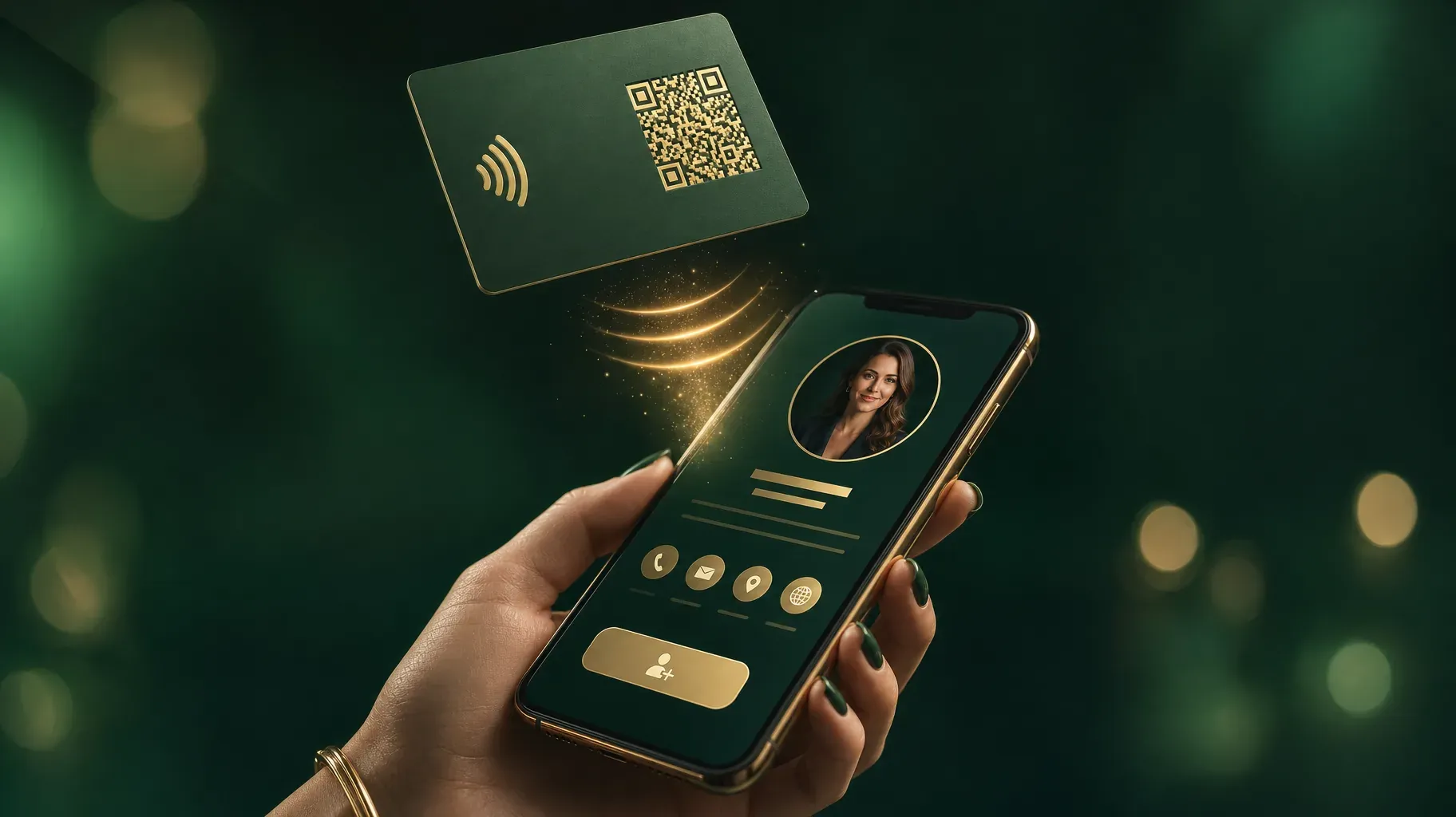
A digital business card is a mobile page that holds your contact details and the links people need to work with you. Instead of handing over a piece of paper, you share a link, show a QR code, or tap an NFC card against someone's phone. The other person opens your card in their browser, saves your contact, and can reach you, book you, or buy from you in a tap.
Because it is a web page, a digital card can include things paper never could: a booking calendar, a portfolio, a video introduction, reviews, a map to your shop, or a signup form. And because you control it, you can update your phone number, title, or offer at any time without reprinting anything.
Many professionals already have something close to a digital card without calling it one: a link-in-bio page. With a clear layout and a save-contact option, the same page can work in your Instagram bio, your email signature, and at the end of every in-person conversation.
What every digital business card should include
Whatever your profession, these building blocks form the base of every good template.
- A clear photo or logo. A friendly, well-lit portrait helps people remember who they met. Businesses can use a logo, but a face usually builds more trust for individuals.
- Your name and a one-line description. Skip the vague titles. "Wedding photographer in Lyon" is more useful than "Visual storyteller."
- Direct contact buttons. Phone, email, and messaging apps should each be one tap away.
- A save-contact option. If your tool supports it, offer a button that downloads your details as a contact file, so people can add you to their phone in one step.
- One primary call to action. Book a call, view the menu, see listings, listen to the new single. Pick the action that matters most and make it the biggest button on the card.
- Proof. A short testimonial, a few logos of clients, a rating, or a couple of portfolio images reassure people that they made a good connection.
- Your social profiles. Link the two or three platforms where you are most active. More than that becomes noise.
- Location or service area, if people need to visit you or know where you work.
Keep the order in mind: identity first, then the main action, then contact options, then proof and extras. Every template below follows that logic, adapted to a specific job.

1. The freelancer and consultant template
Freelancers and consultants sell their time and expertise, so the card should turn a good conversation into a booked call.
Include, in this order:
- Portrait and a one-line description of the problem you solve, such as "I help SaaS startups write onboarding emails that convert."
- A large button to book a discovery call, linked to your calendar.
- Two or three services, each with a short outcome and a starting price if you are comfortable sharing it.
- One or two short client testimonials.
- Email, phone, and LinkedIn.
Why it works: People you meet at events are often interested but busy. A booking button lets them commit while the conversation is still fresh, instead of promising to email you next week and forgetting.
Tip: Mention the exact next step on the button. "Book a free 20-minute call" is clearer than "Contact me."
2. The creative portfolio template
Designers, photographers, illustrators, and videographers are hired for how their work looks. Their card should show it immediately.
Include, in this order:
- Portrait or a strong personal logo, with your specialty and city.
- A grid of four to six of your best images, or a short reel of your work.
- A button to view the full portfolio or a specific project.
- A button to request a quote or check availability.
- Instagram, Behance, Dribbble, or whichever platform showcases your work best.
Why it works: A creative's card is itself a sample. A beautiful, well-edited grid does more selling than any description.
Tip: Curate ruthlessly. Show the kind of work you want more of, not everything you have ever done.
3. The real estate agent template
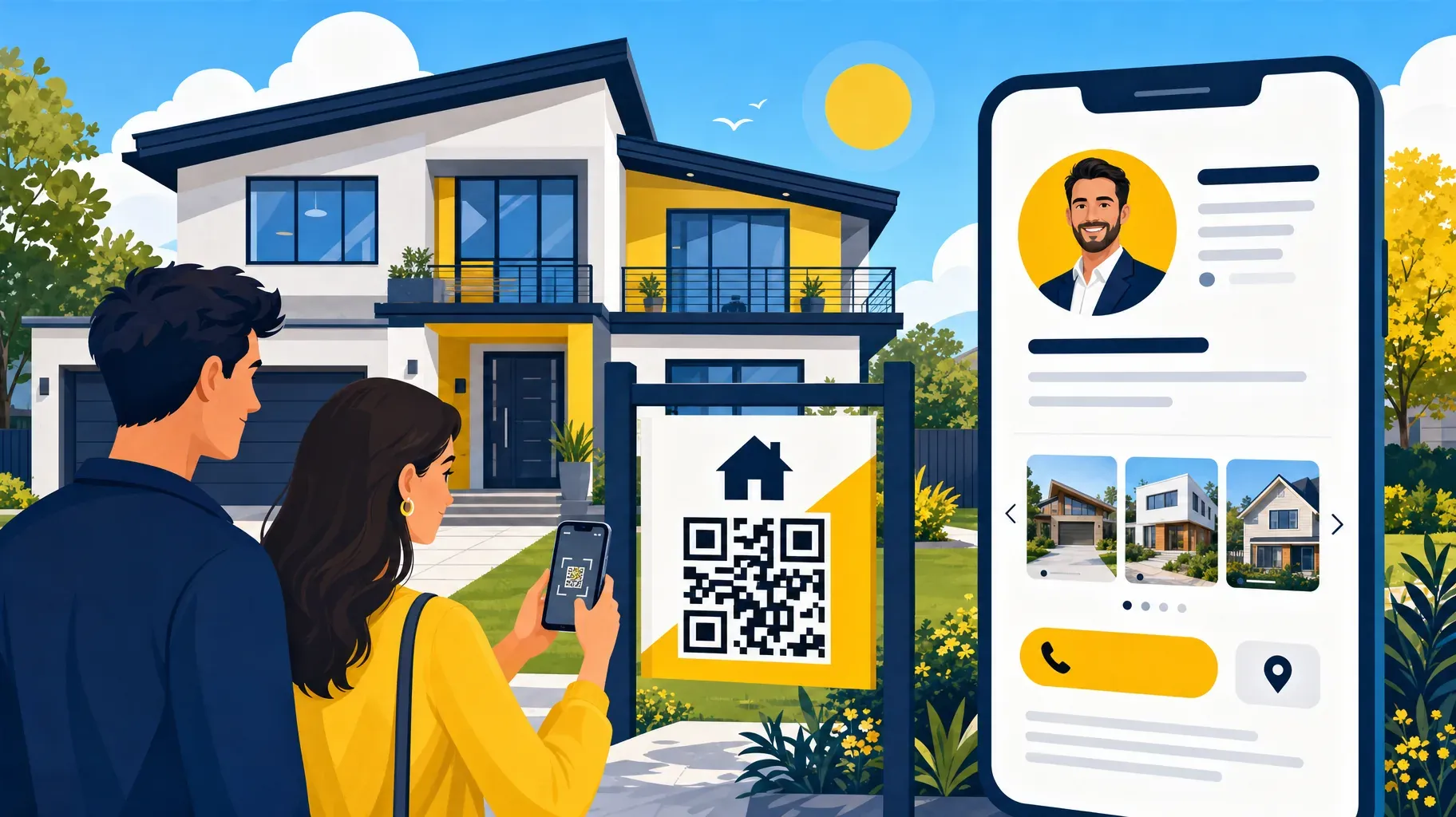
Real estate is personal and local. Buyers and sellers want to know who you are, what you have available, and how fast they can reach you.
Include, in this order:
- A professional portrait, your agency name, and the neighborhoods you cover.
- A tap-to-call button and a messaging button, both at the top.
- A small carousel of current listings with photos and prices.
- A button to book a free valuation for sellers.
- A few short reviews from past clients.
- Your office address with a map link.
Why it works: Most real estate conversations start with a question about a specific property or area. Putting listings and a direct line on the card answers that question immediately.
Tip: Add a QR code to your yard signs and open house flyers that leads to your card, so anyone passing by can save your contact and browse your listings.
4. The sales and corporate team template
Sales professionals and corporate teams need cards that look consistent across the whole company while still feeling personal.
Include, in this order:
- Portrait, name, job title, and the company logo.
- Direct phone, email, and LinkedIn buttons.
- A button to book a meeting or demo.
- One or two resources, such as a product overview or a case study.
- The company website and main social profiles.
Why it works: Prospects often meet several people from the same company. A shared layout with the same colors and logo makes the brand recognizable, while the individual photo and contact details keep the relationship personal.
Tip: Decide which elements are fixed for everyone, such as the logo, colors, and company links, and which ones each person can customize, such as the photo, bio, and meeting link.
5. The coach, therapist, and wellness template
Coaches, therapists, trainers, and wellness practitioners build relationships based on trust. Their card should feel warm and make the first step easy.
Include, in this order:
- A welcoming portrait and a sentence about who you help and how.
- A button to book a first session or a free consultation.
- A short list of session types with duration and price.
- A free resource, such as a guided meditation or a starter workout, in exchange for an email address.
- A few kind words from clients, shared with their permission.
Why it works: Many people hesitate before booking their first session. A free resource gives them a low-pressure way to stay in touch until they are ready.
Tip: Be clear about practical details, such as online or in-person sessions and your cancellation policy. Clarity reduces anxiety.
6. The restaurant, café, and local shop template
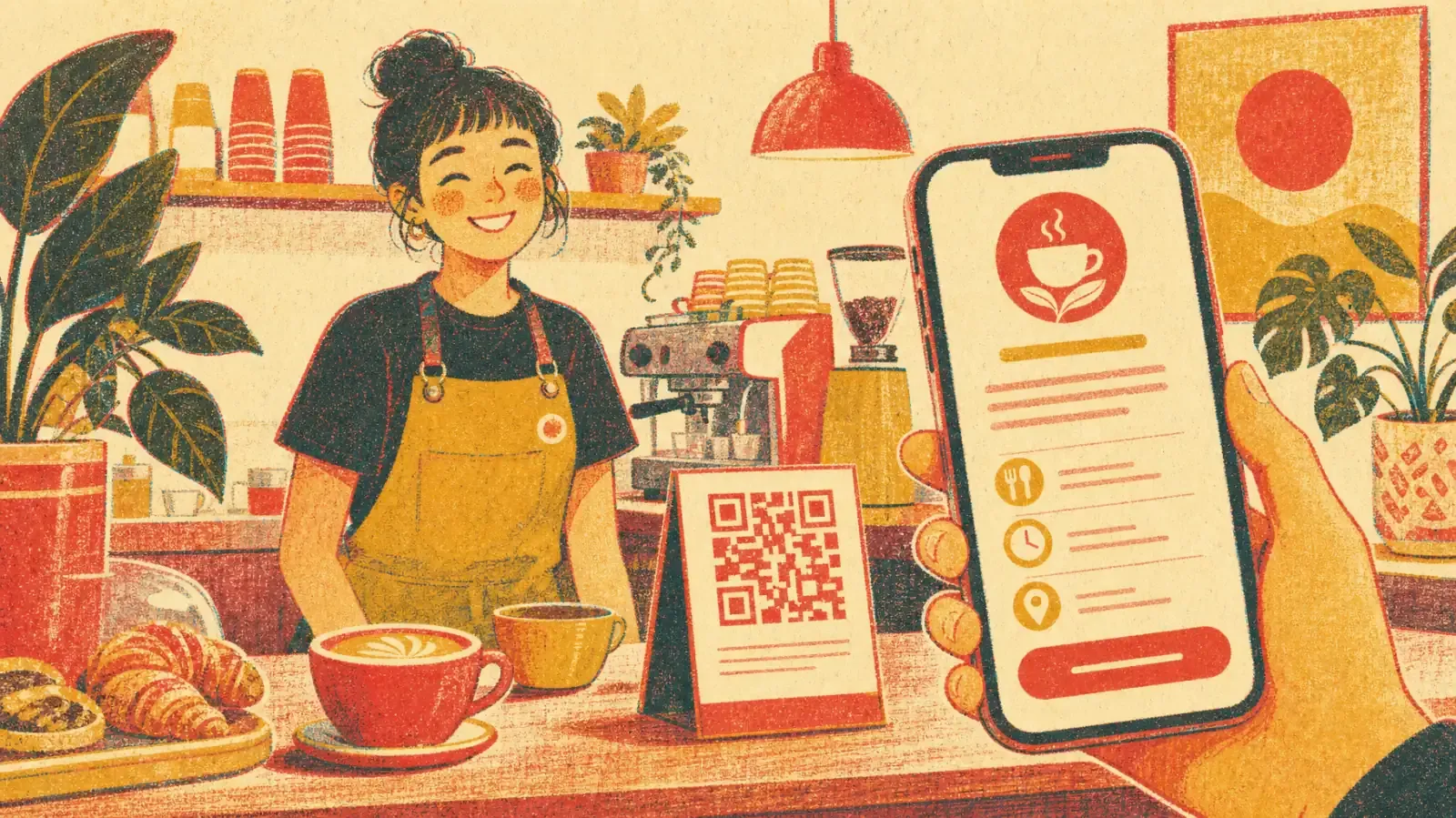
For local businesses, the most common questions are simple: What do you serve? When are you open? Where are you? The card should answer all three in seconds.
Include, in this order:
- Your logo or a mouthwatering photo, with the type of food or products you offer.
- Buttons for the menu, opening hours, and directions.
- A reservation or order button.
- Current specials or seasonal products.
- Your Instagram and review profile.
Why it works: Customers often look you up while standing on the street or sitting at a table. A fast, simple card turns that moment into a reservation, an order, or a return visit.
Tip: Print your card's QR code on table tents, receipts, takeaway bags, and your front window. Update the specials on your card instead of reprinting menus every time something changes.
7. The musician and content creator template
Musicians, podcasters, and creators want people to listen, watch, and follow. Their card should put the latest work front and center.
Include, in this order:
- A striking photo or artwork that matches your current release or theme.
- The newest release, episode, or video, embedded or linked prominently.
- Links to the platforms where people can stream or subscribe.
- Upcoming shows, live streams, or events.
- Merch, memberships, or a tip option.
- A contact for bookings and brand partnerships.
Why it works: Fans who meet you at a show or discover you online want to hear more right away. Getting them to your latest work in one tap is the best way to turn a moment into a long-term listener.
Tip: Rotate the top section with every release, and keep a separate booking contact so industry contacts do not get lost among fan messages.
8. The speaker and event networking template
Conferences, trade shows, and meetups are where digital cards shine. You meet dozens of people in a few hours, and everyone is juggling a phone, a coffee, and a badge.
Include, in this order:
- Portrait, name, title, and a one-line summary of what you talk about or offer.
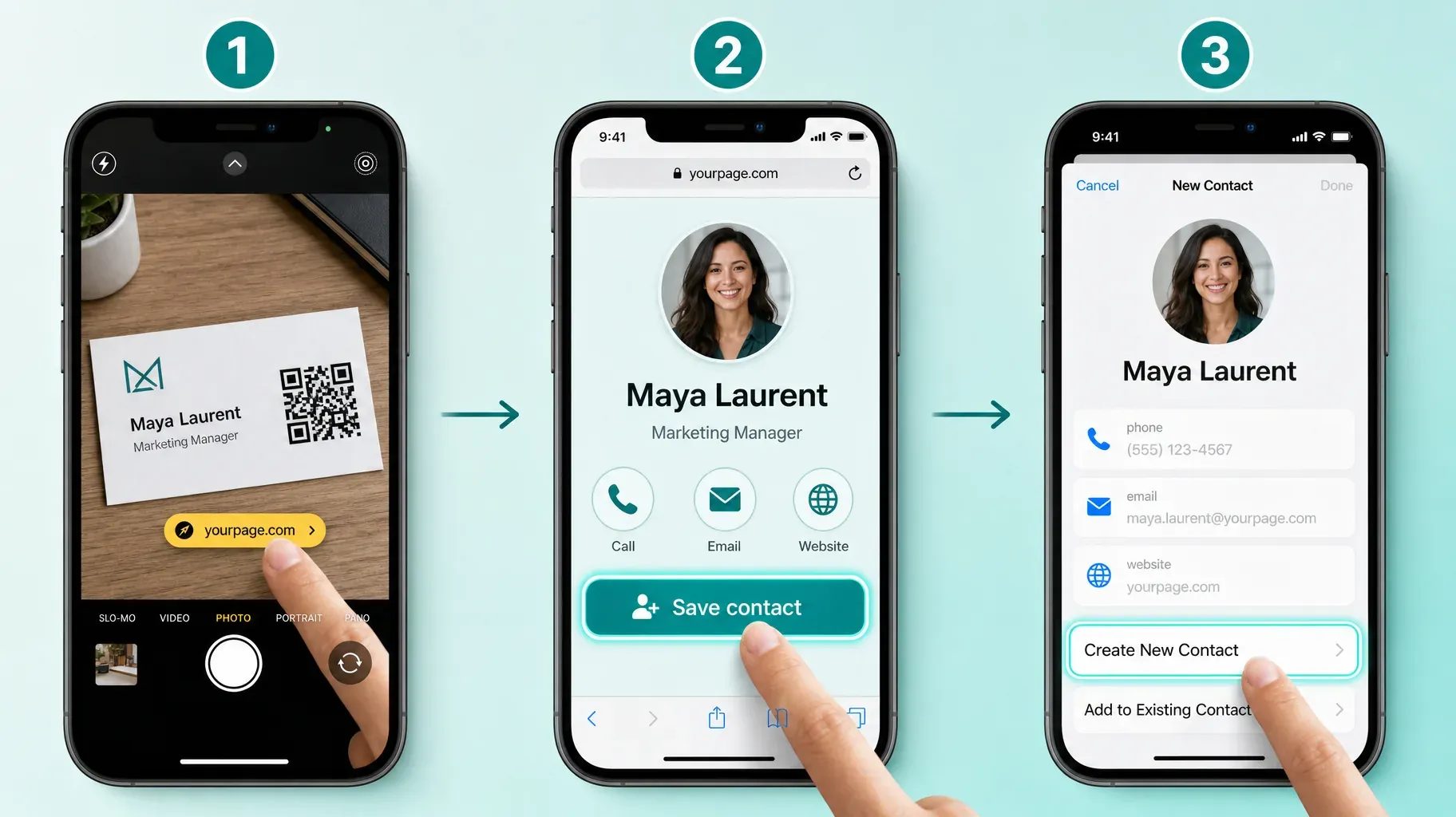
- A large save-contact button.
- The slides or resources from your talk, if you gave one.
- A button to book a follow-up meeting.
- LinkedIn and your company website.
Why it works: At events, speed matters. People scan your QR code, save your contact, and move on. Offering your slides or a resource gives them a reason to open your card again after the event.
Tip: Put your QR code on your badge, the last slide of your presentation, and your booth. Test it from a few meters away to make sure phones can scan it easily.
9. The job seeker and student template
Students and job seekers need to stand out in a crowded field. A digital card can work as a compact, always-current résumé.
Include, in this order:
- A friendly, professional portrait, your field of study or target role, and your city.
- A button to download your résumé as a PDF.
- Two or three highlights: projects, internships, awards, or skills.
- Your LinkedIn profile and, if relevant, your portfolio or GitHub.
- Email and phone.
Why it works: Recruiters at career fairs see hundreds of candidates. A card that lets them save your contact and open your résumé instantly is far more likely to be remembered than a sheet of paper.
Tip: Keep the highlights specific. "Built a budgeting app used by 300 classmates" says more than "Passionate about technology."
10. The agency and small team template
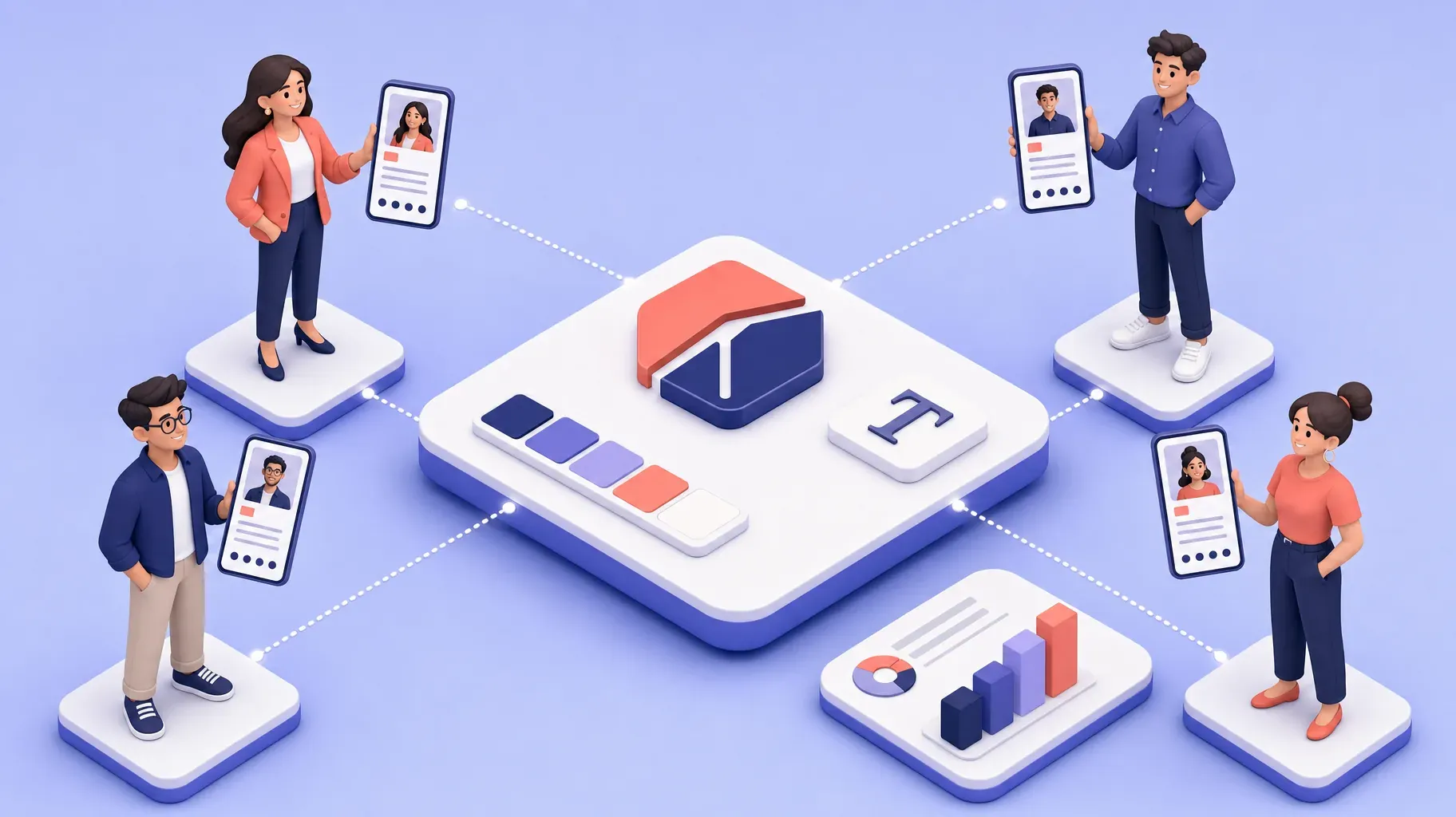
Agencies and small teams need a card that represents the company and the people behind it.
Include, in this order:
- The company logo, a short positioning line, and the city or cities you serve.
- A button to start a project or request a proposal.
- A row of team members, each linking to their own card or contact details.
- Two or three case studies with a result.
- Office address, general email, and main social profiles.
Why it works: Clients hire teams, but they build relationships with people. Showing both the company and the individuals makes it easy to reach the right person.
Tip: Use the same template for every team member's personal card, with a shared brand kit for logo, colors, and fonts, so every card looks like part of one family.
Design tips that make any template look professional
A good template gets you most of the way there. These details finish the job.
Design for one thumb. Most people will open your card on a phone, often while standing. Use large buttons, generous spacing, and a single column.
Use your brand colors, but stay readable. Pick one main color for buttons and keep text dark on a light background, or light on a dark one. Low contrast makes a card hard to read in sunlight.
Choose one or two fonts. One font for headings and one for body text is plenty. Mixing more looks cluttered.
Keep the first screen focused. Photo, name, description, and main action should all be visible without scrolling.
Use real photos. A genuine portrait or real product photos feel more trustworthy than generic stock images.
Check loading speed. Compress large images and avoid heavy embeds at the top. A card that loads slowly at a crowded event will simply be closed.
Limit your links. Every extra button competes for attention. If a link has not been tapped in months, remove it.
How to build your digital business card
You can create a card in an afternoon. Follow these steps:
- Choose your template. Pick the profession template above that matches your work, and note the sections it recommends.
- Gather your content. Prepare a portrait or logo, a one-line description, your contact details, your main call-to-action link, and any proof such as testimonials or portfolio images.
- Create your page. Use a link-in-bio or digital card tool, add your photo and description, and apply your brand colors.
- Add your contact buttons. Include phone, email, and messaging, and a save-contact option if your tool supports it.
- Add your primary action. Place your booking, menu, listings, or portfolio button right under your description.
- Add proof and extras. Testimonials, images, resources, and social links go further down.
- Test on your phone. Tap every button, check every link, and ask a friend to save your contact to confirm it works.
- Generate your QR code. Download it in high resolution for printing and screens.
How to share your digital business card
A digital card is only useful if people can get it easily. Use several of these methods at once.
QR code. Print it on your badge, flyers, packaging, table tents, or the back of a few paper cards. Show it on your phone's lock screen or a slide at events. Anyone can scan it with their phone camera.
Direct link. Send your card's link by text, email, or messaging apps. Add it to your social media bios so the same page works online and offline.
NFC card or sticker. An NFC card lets people tap their phone against it to open your digital card. It feels modern and works well at events. Keep a QR code on the card as a backup, because not every phone reads NFC the same way.
Phone wallet. Some tools let you add a card to Apple Wallet or Google Wallet, so your QR code is always one swipe away.
Email signature. Add a small link or button to your card in your email signature. Every email you send becomes a chance to share your contact details and main offer.
Save-contact file. A downloadable contact file lets people add you to their address book in one tap, with your name, phone, email, and website already filled in.
Digital vs. paper business cards
Paper cards are not completely dead. Some people still like handing over something physical, and certain industries and cultures expect it. But digital cards win on almost every practical point.
- Always up to date. Change your title, number, or offer in seconds, with no reprinting.
- More useful. Add booking links, portfolios, menus, listings, and videos.
- Easier to save. People can add you to their contacts in a tap instead of typing your details later.
- Measurable. Many tools show how many people viewed your card and which buttons they tapped.
- Less waste and cost. No more boxes of outdated cards in a drawer.
A practical approach for many professionals is to combine both: a small stack of paper cards with a QR code on the back that leads to the digital card. The paper gets you remembered, and the digital card does the rest.
Mistakes to avoid
Too much information. A card that lists every service, platform, and achievement becomes hard to use. Focus on what the people you meet need first.
No clear next step. Without a primary call to action, visitors look around and leave. Make one button obvious.
Outdated details. An old phone number or a job title from two roles ago defeats the purpose. Review your card every few months.
A QR code that is too small. Test your printed QR codes from a realistic distance before ordering hundreds of copies.
Ignoring mobile testing. Always open your card on your own phone before sharing it. What looks great on a laptop can break on a small screen.
Forgetting follow-up. A saved contact is the start of a relationship. Send a short message after you meet someone, and link back to your card.
Frequently asked questions
What is the best template for a digital business card?
The best template is the one built around your main goal. Freelancers should prioritize booking, creatives their portfolio, local businesses their menu and directions, and job seekers their résumé. Use the ten templates above as starting points.
What should I put on a digital business card?
At minimum: a photo or logo, your name, a one-line description, contact buttons, and one primary call to action. Add proof, social links, and extras depending on your profession.
How do people save my digital business card?
They can save the page link, add your details through a save-contact button that downloads a contact file, or keep your card in their phone wallet if your tool supports it.
Do I still need paper business cards?
Not necessarily, but a few paper cards with a QR code can help in settings where people expect something physical. The QR code leads to your digital card, which stays up to date.
Can I use my link-in-bio page as a digital business card?
Yes. A well-organized link-in-bio page with your photo, description, contact buttons, and main call to action already works as a digital business card. Share it by QR code, link, or email signature.
How much does a digital business card cost?
Many tools offer free plans that cover the basics. Paid plans usually add custom domains, team management, NFC cards, or deeper analytics.
Make your next introduction count
A digital business card turns every introduction into a clear next step. With the right template, people you meet can save your contact, see your best work, and book, order, or follow in a few taps, whether you met them at a conference, in your shop, or through your Instagram bio.
Pick the template that fits your profession, build it once, and share it everywhere. A Roctify page gives you a mobile-first layout, your brand colors, contact and booking buttons, and a single link you can turn into a QR code. Create your Roctify page and start using it as your digital business card today.